^T to send tab to Claude with Raycast

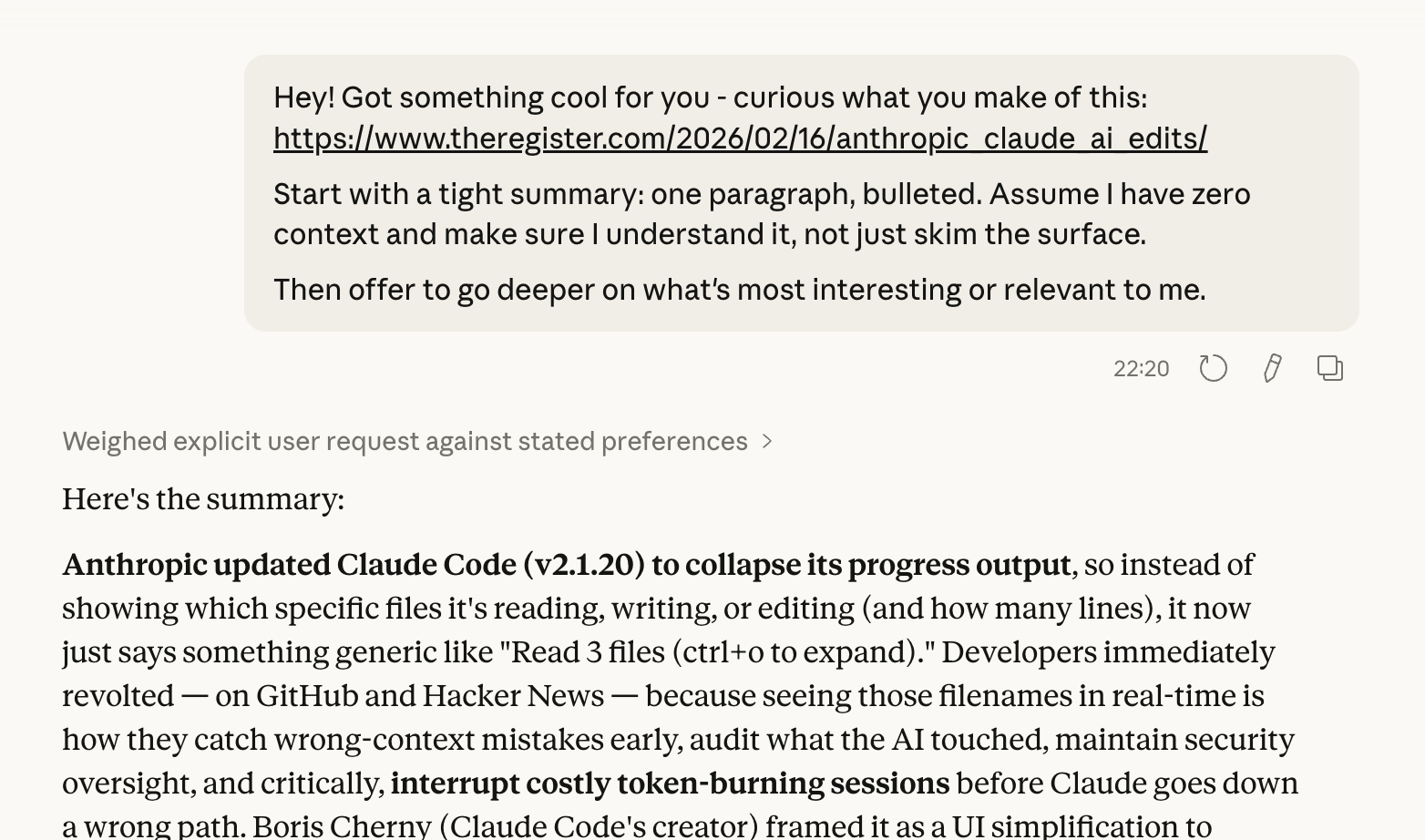
You have a browser tab open with an interesting post. You hit ^T. A new Claude tab opens with the page title, URL, and a prompt already filled in. Claude reads it and you start chatting about it.
I kept doing this many times a day: read something interesting, open Claude, paste the URL, type "what do you think about this."
Here's the Raycast script that does it in one keystroke:
how it works
The script uses AppleScript to find out which browser is in front, and what's the URL and title of the active tab. Then it builds a claude.ai/new?q=... URL with the pre-built prompt, and opens it.
The prompt I use is:
Hey! Got something cool for you - curious what you make of this: {title}
{url}

Start with a tight summary: one paragraph, bulleted.
Assume I have zero context and make sure I understand it,
not just skim the surface.

Then offer to go deeper on what's most interesting or relevant to me.
If Claude has memory context of your previous chats, its response will be fit for you.
If you want to change the prompt, edit the PROMPT variable in the script.
setup
- Save the script somewhere and add it to a folder
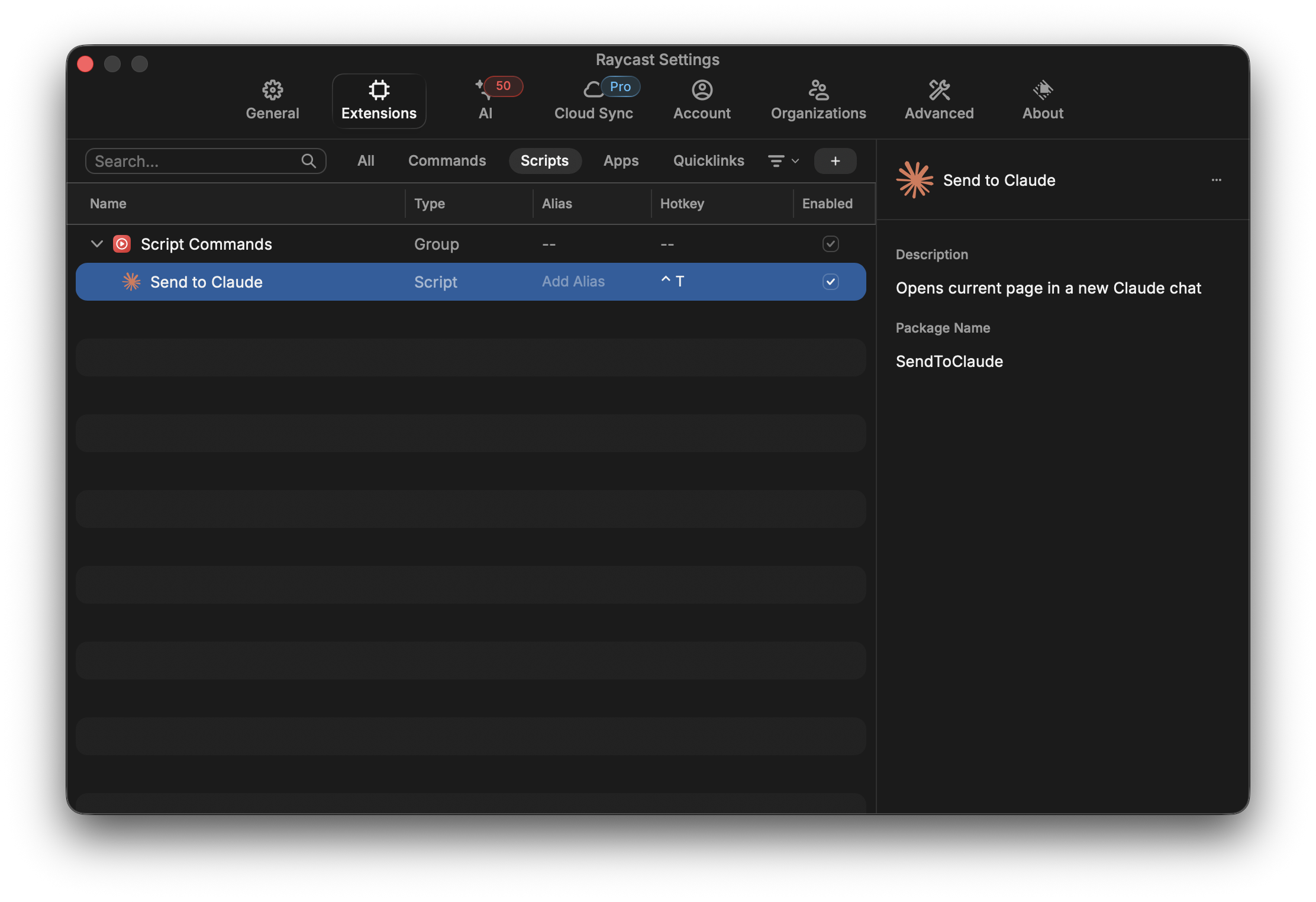
- Open Raycast → Settings → Extensions → Script Commands → Add Script Directory
- Point it at the folder
- Assign a hotkey. I use
^T.
macOS will ask for accessibility permissions on first run since AppleScript needs to read window titles.